11.1 From the RStudio interface
Before we dive into more graph types, let’s pause and learn how to easily save the current plot.
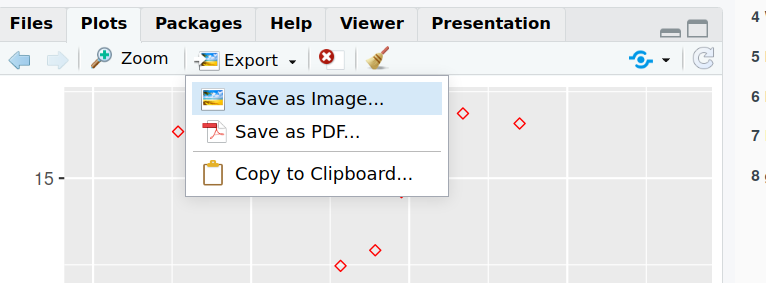
In the “Plots” tab, click on “Export” and “Save as image”:
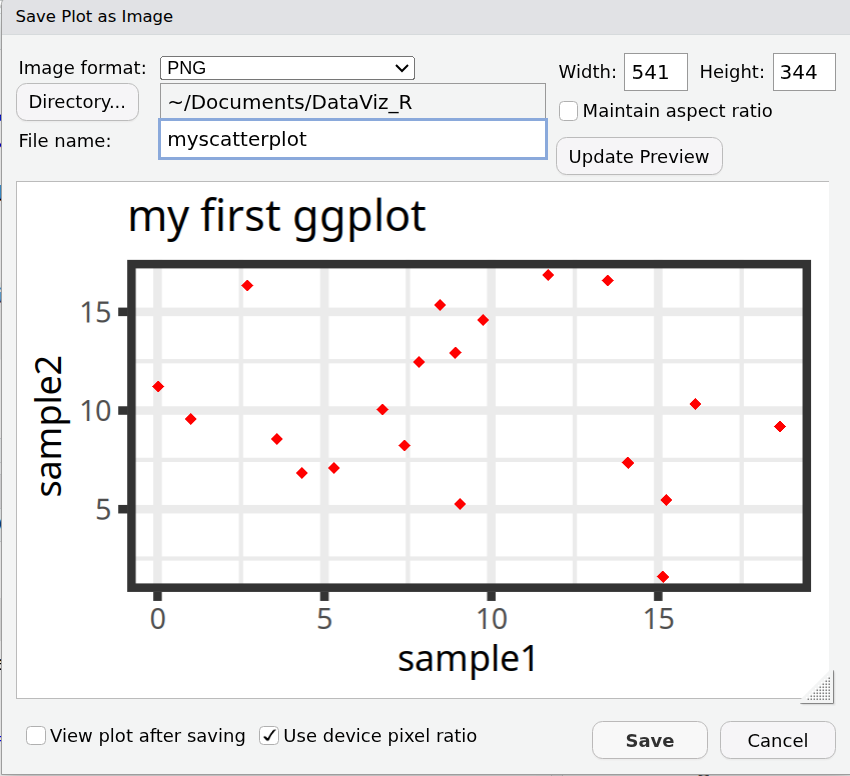
From that windows, you can:
- Pick an image format between: PNG, JPEG, TIFF, BMP, SVG, EPS.
- Choose where you want to save the output file (by default, R will propose the current working directory).
- Choose the file name.
- Set the dimensions, by either:
- Setting the Width and Height of the figure (in pixels)
- Moving the graph manually (bottom-right corner of the plot) until you obtain the size and proportions that you want.