7.3 Scripts
A script is a text file containing a set of commands and comments.
It can be saved, re-used later, and shared.
It is good practice to create a script and save all commands: let’s create a script for this course.
Go to File -> New File -> R script
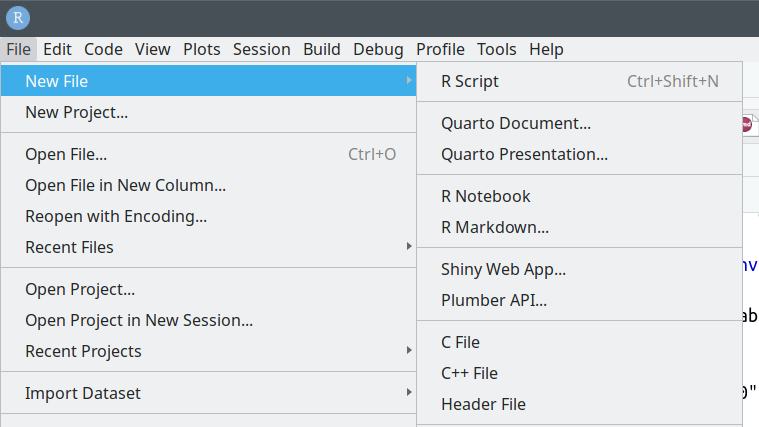
A new window will open in the upper-left panel.
Save the file in the course folder (you can name it, for example, workshop.R)
Copy commands you will use during the course, and do not forget to save changes regularly!
TIP: you can send a line or selected lines from the script to the console without copy-pasting: press CTRL+ENTER when highlighting the row.
Note that, when you re-open an RStudio projects, scripts/files that were left open will open automatically